Open almost anything
USD, USDZ, USDA, USDC and .reality load natively. OBJ, STL, PLY, FBX, glTF, GLB, DAE and 20+ more via the in-app importer.
Viewport is a fast, focused 3D viewer built by Amar Shinde at Reimagine Fx. Open models straight from the Files app — iCloud Drive, Google Drive, Dropbox, OneDrive, Downloads or AirDrop — and inspect them in a clean, professional viewport. Orbit, study materials and scale, play animations, and preview in AR. No account. No cloud. No clutter.
Now live on the App Store. Everything runs on-device — your files never leave your iPhone.
USD, USDZ, USDA, USDC and .reality load natively. OBJ, STL, PLY, FBX, glTF, GLB, DAE and 20+ more via the in-app importer.
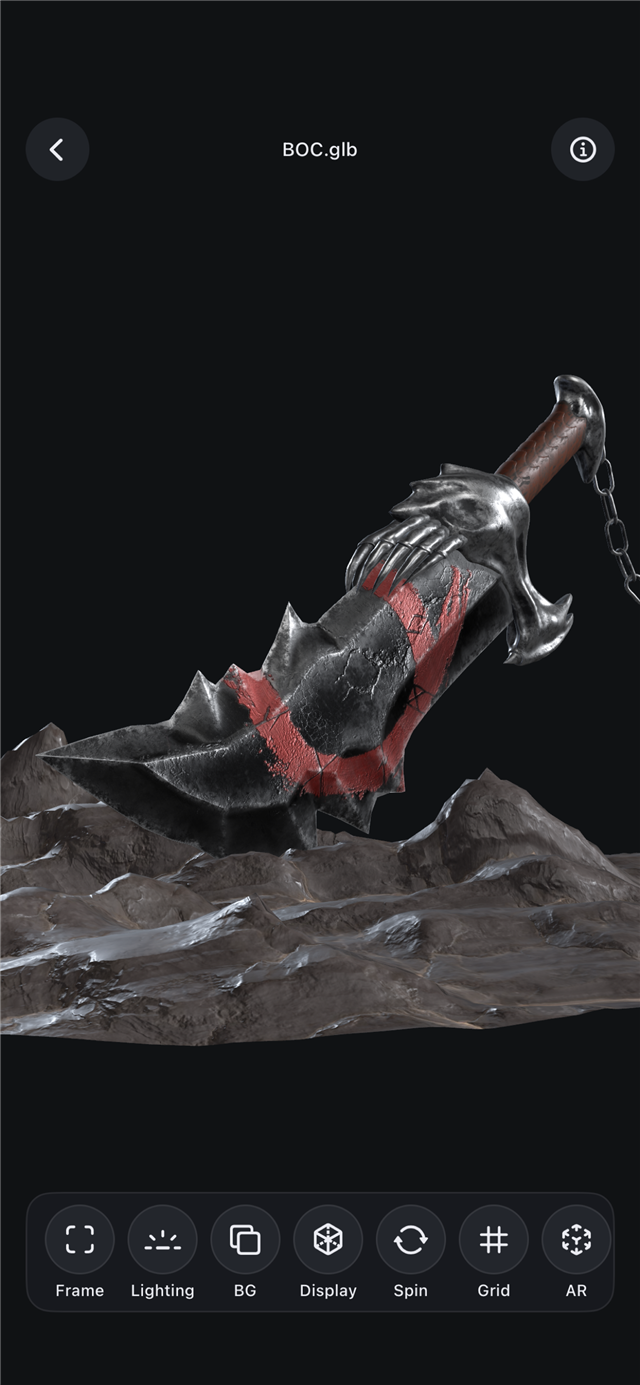
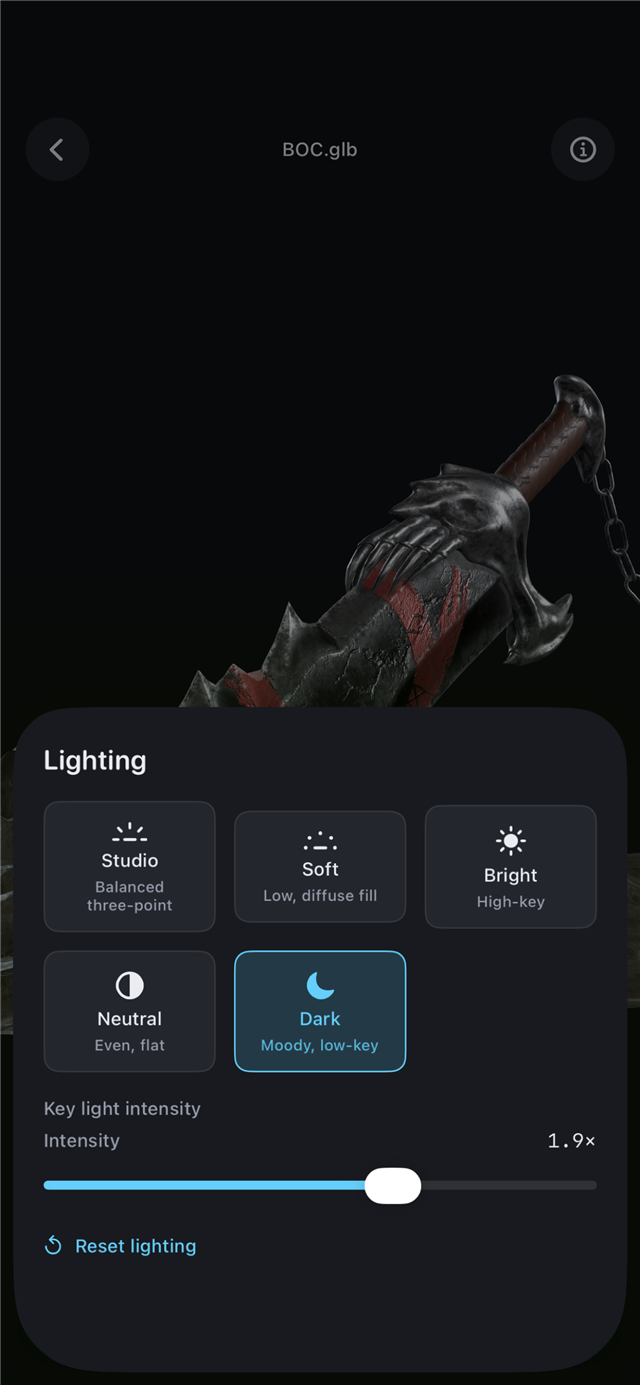
Smooth orbit, pan, pinch-zoom and double-tap to frame. Studio lighting presets with adjustable intensity.
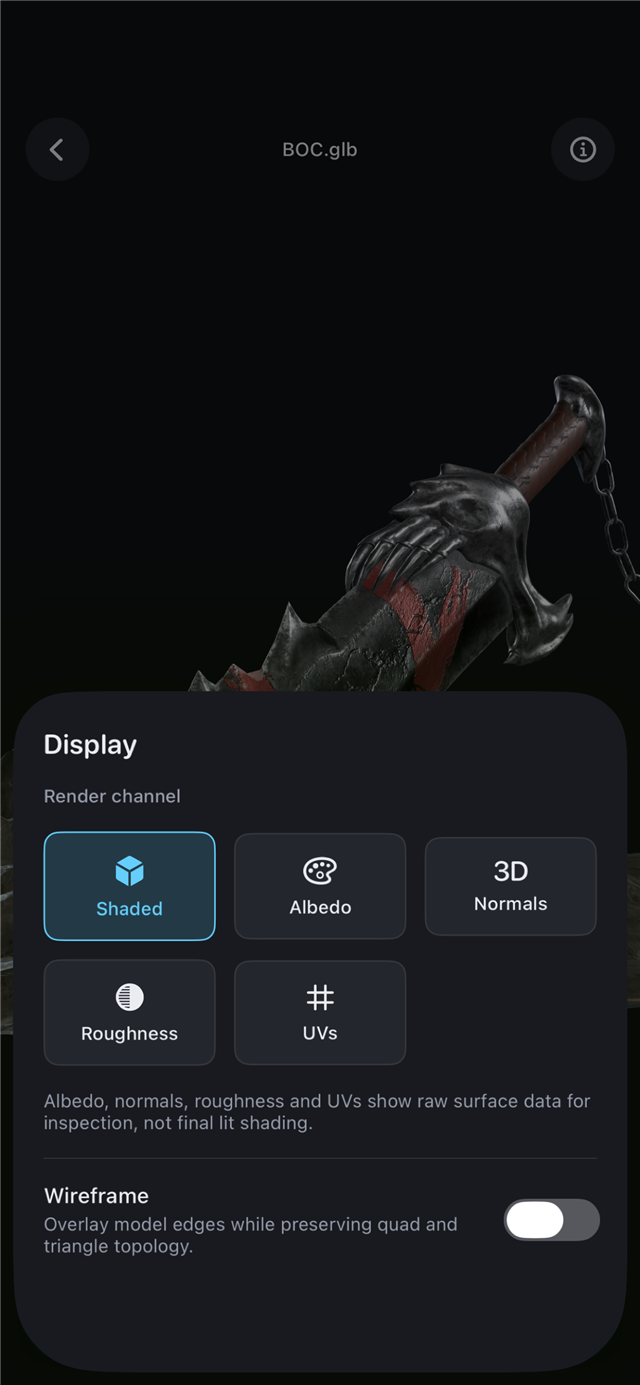
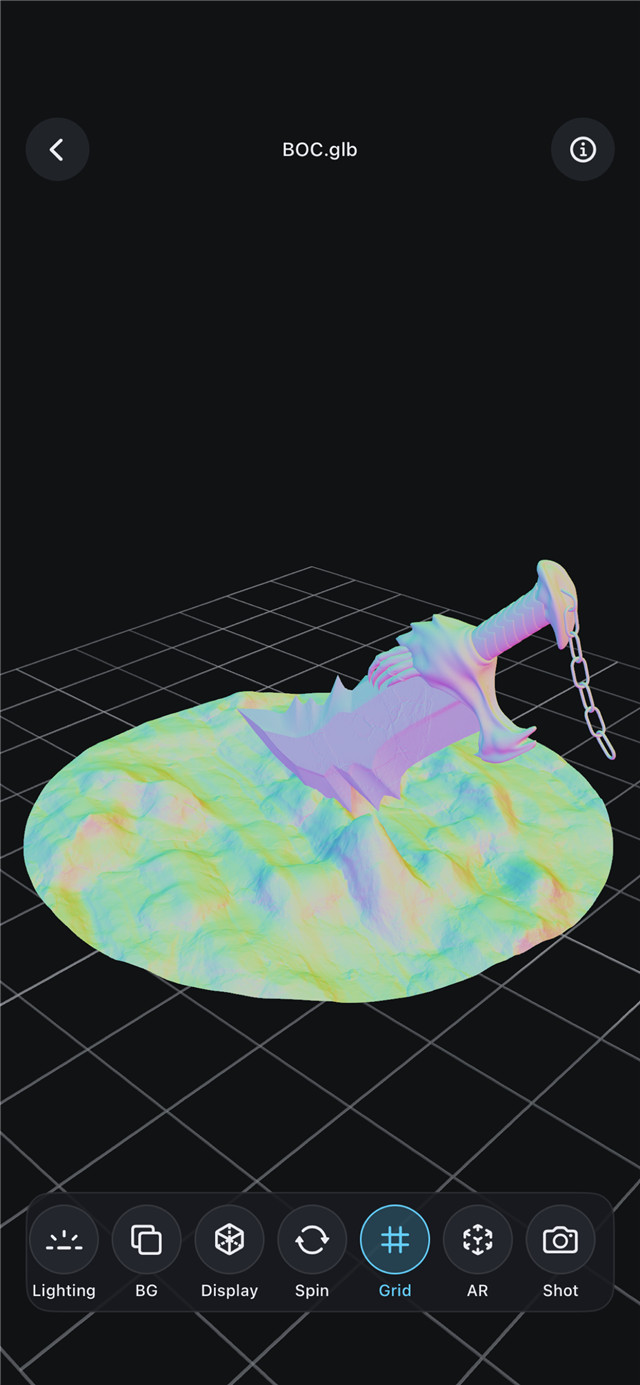
Switch between shaded, albedo, normals, roughness and UV views — plus a wireframe overlay that preserves quad and triangle topology — to inspect exactly how a model is built.
Plays node/transform animation and skeletal (bone) skinning on supported models, with simple play / pause / loop.
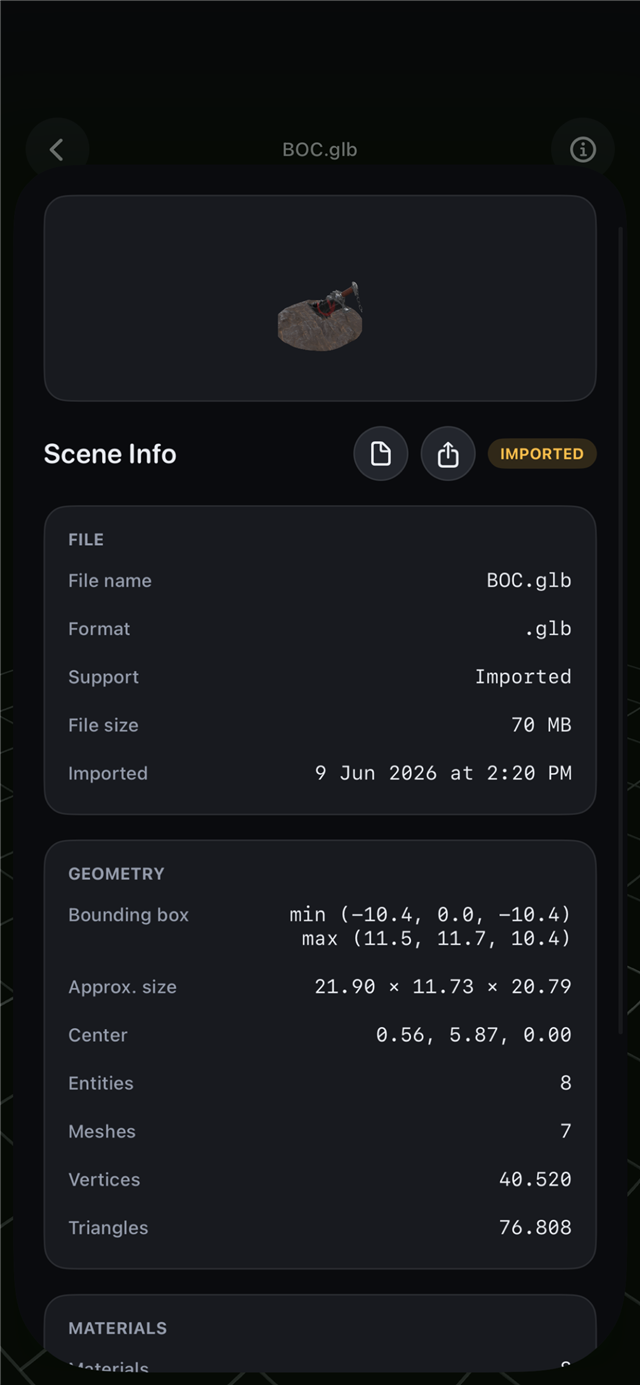
Bounding box, dimensions, vertex, triangle, material and texture counts — real values, never faked. Share stats or the model file.
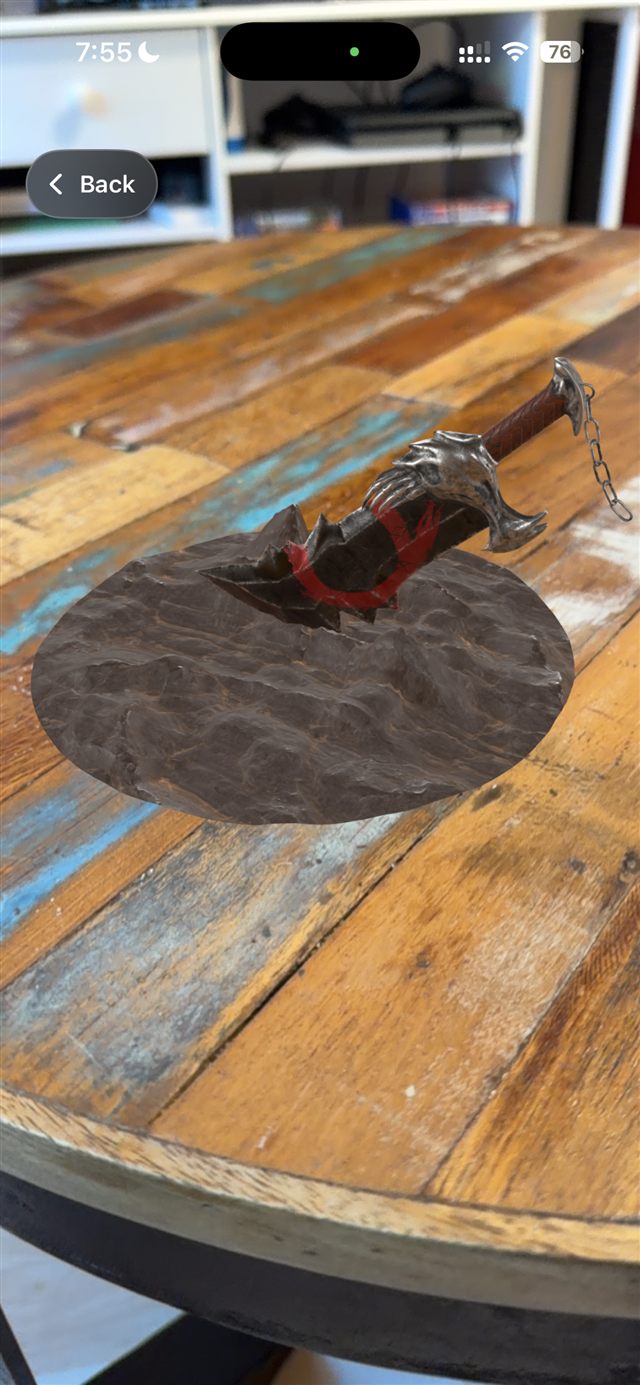
AR Quick Look for USDZ and Reality files, turntable auto-spin, a reference ground grid, plus screenshot & share.
Pick a model together with its texture and material files to keep its look intact. Viewport loads each format on the path that renders it best.
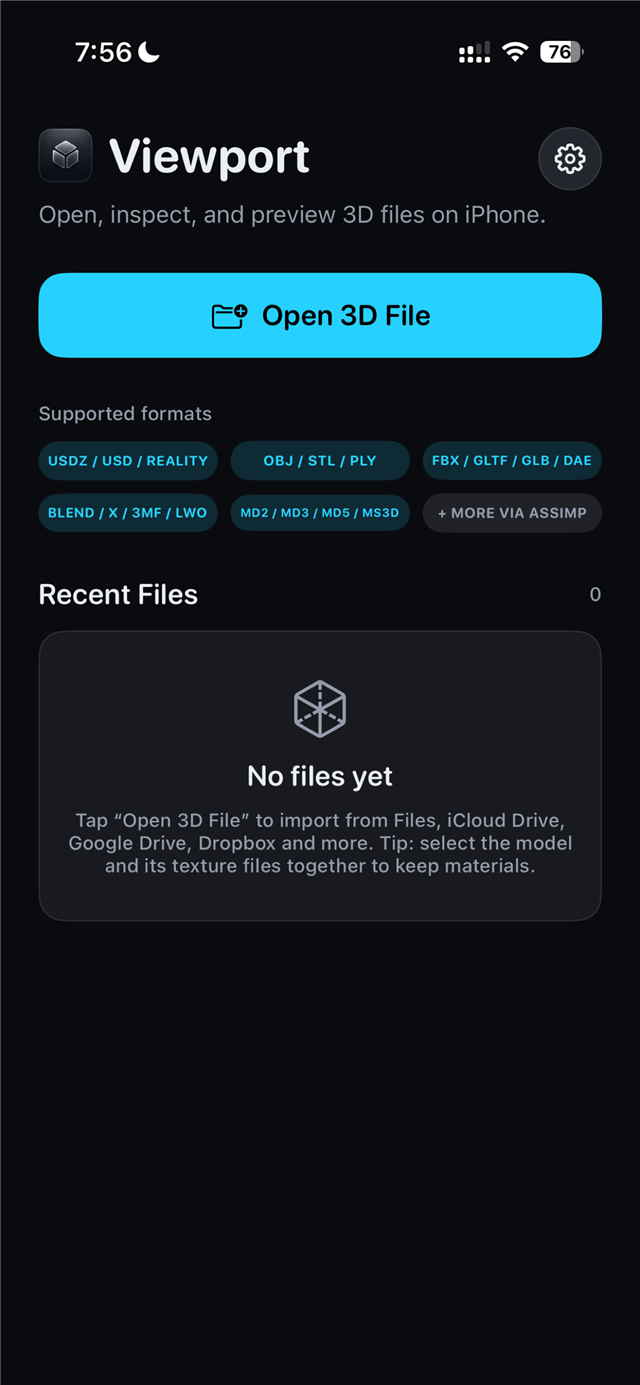
Get Viewport from the App Store on your iPhone or iPad.
Tap “Open 3D File”, or send a model to Viewport from any app via the share sheet.
For OBJ/FBX/glTF, select the model and its texture files together so materials resolve.
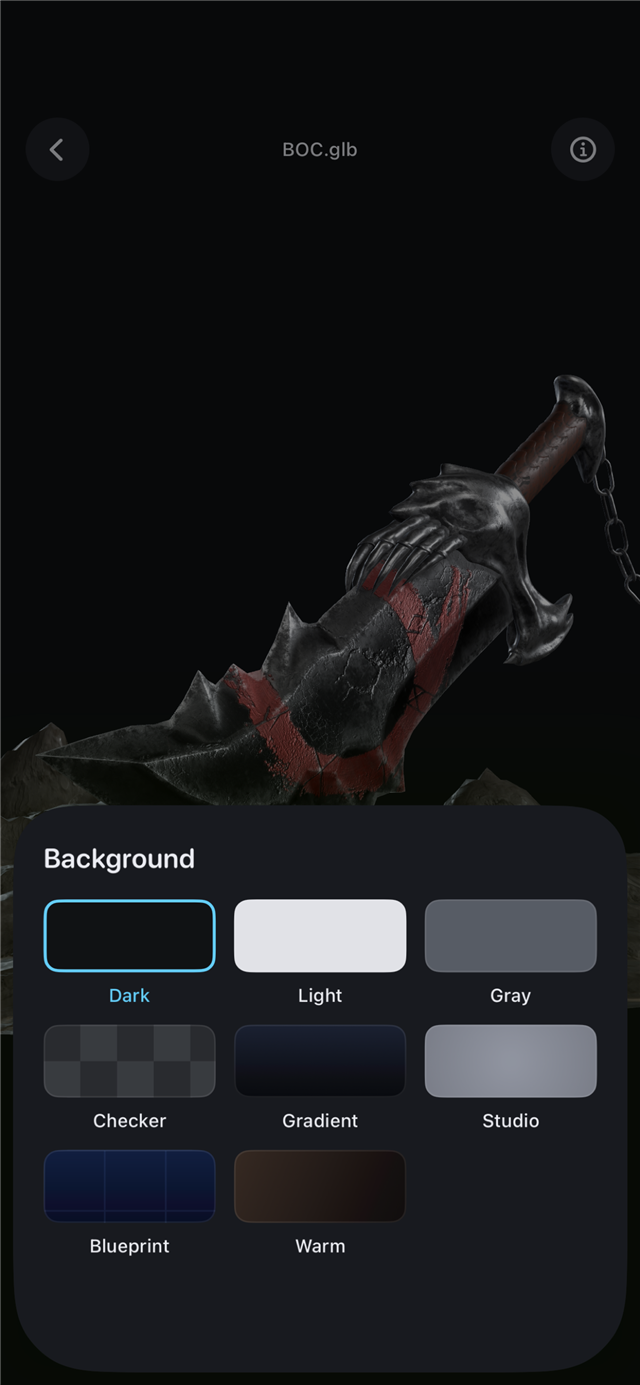
Orbit, pan, zoom and frame. Tweak lighting, background and render channels.
Animated models auto-play with a play / pause / loop transport.
Drop USDZ and Reality models into your space with AR Quick Look.
USD-family (USDZ, USD, USDA, USDC) and .reality load natively. OBJ, STL and PLY convert on-device. FBX, glTF, GLB, DAE, BLEND and 20+ more load through the built-in importer.
Yes. Viewport plays node/transform animation across formats, and skeletal (bone) skinning on supported models and iOS versions. A transport bar appears automatically when a model is animated.
No. All loading, conversion and rendering happen entirely on your iPhone. Viewport has no accounts, no cloud and never uploads your files.
Models without baked materials render as neutral “clay”. For OBJ/FBX/glTF, import the model together with its texture files so Viewport can resolve them.
USDZ and Reality files open in Apple’s AR Quick Look so you can place them in the real world at true scale.
Viewport is a focused utility with no subscriptions or ads. Pricing is shown on its App Store page.