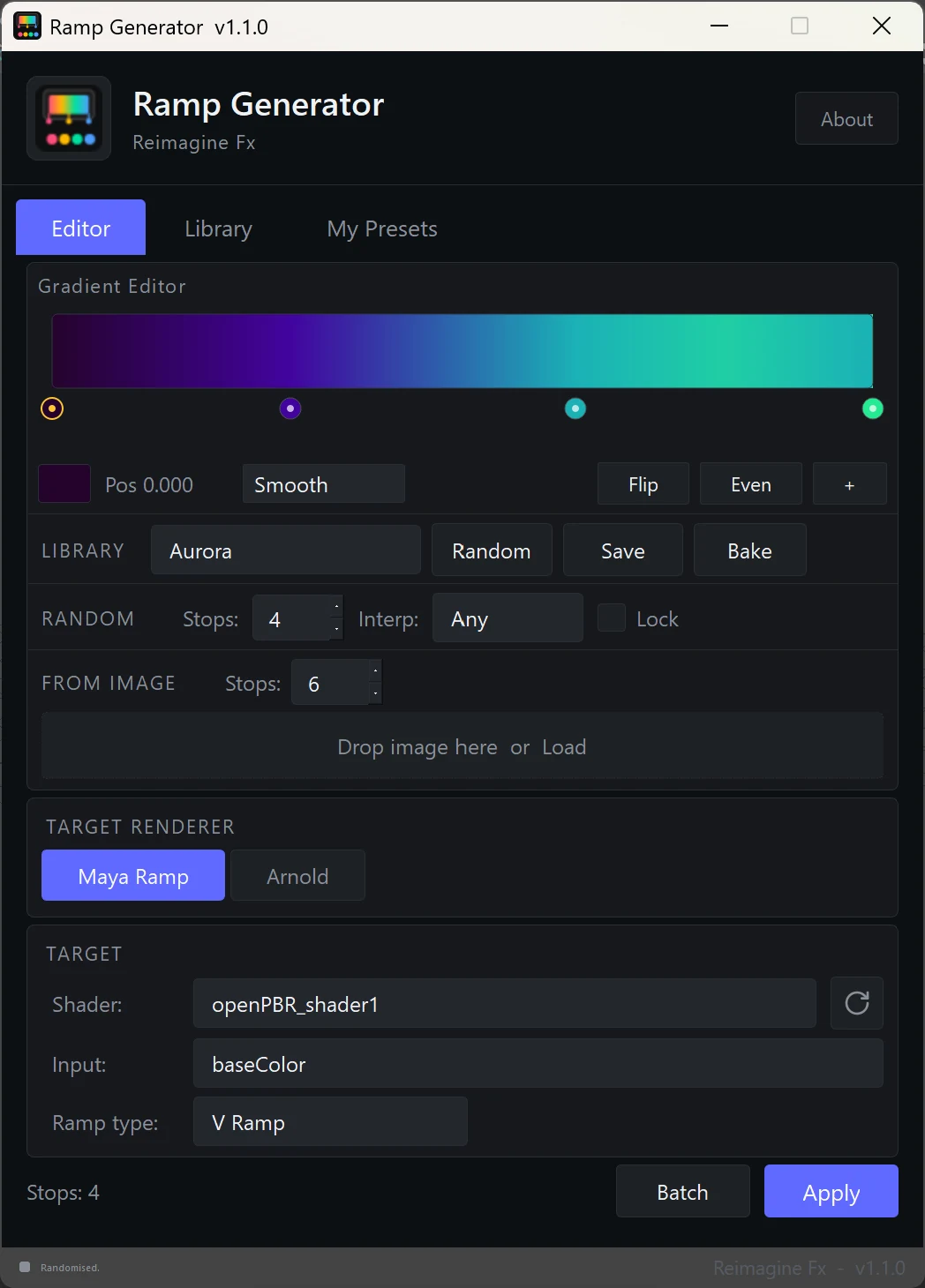
Edit visually
Control every stop directly on the gradient canvas, with an inspector that stays in sync.
 Reimagine Fx
Procedural gradients for Maya artists. Design ramps visually, explore 100 curated palettes, generate variations, and apply them directly to Maya, Arnold or Redshift materials.
Version 1.1.0 · Includes plugin, 100 gradients and installation guide
Build ramps with direct, visual control over color, position and interpolation. Flip a palette, distribute stops evenly, sample an image or create a fresh variation without leaving the tool.
Control every stop directly on the gradient canvas, with an inspector that stays in sync.
Start from 100 curated palettes or generate variations by category, stop count and interpolation.
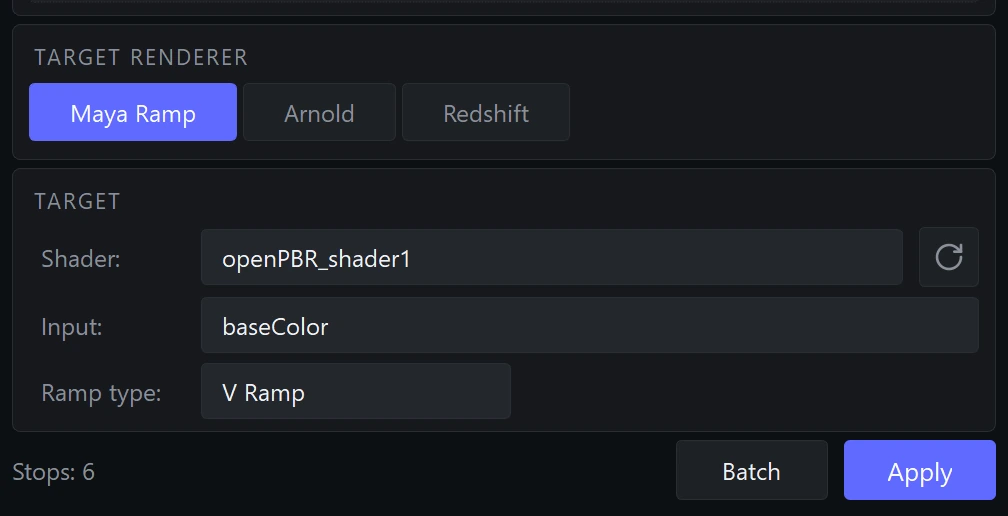
Create a native ramp for Maya or Redshift materials, or an Arnold aiRampRgb, and connect it to the selected input.
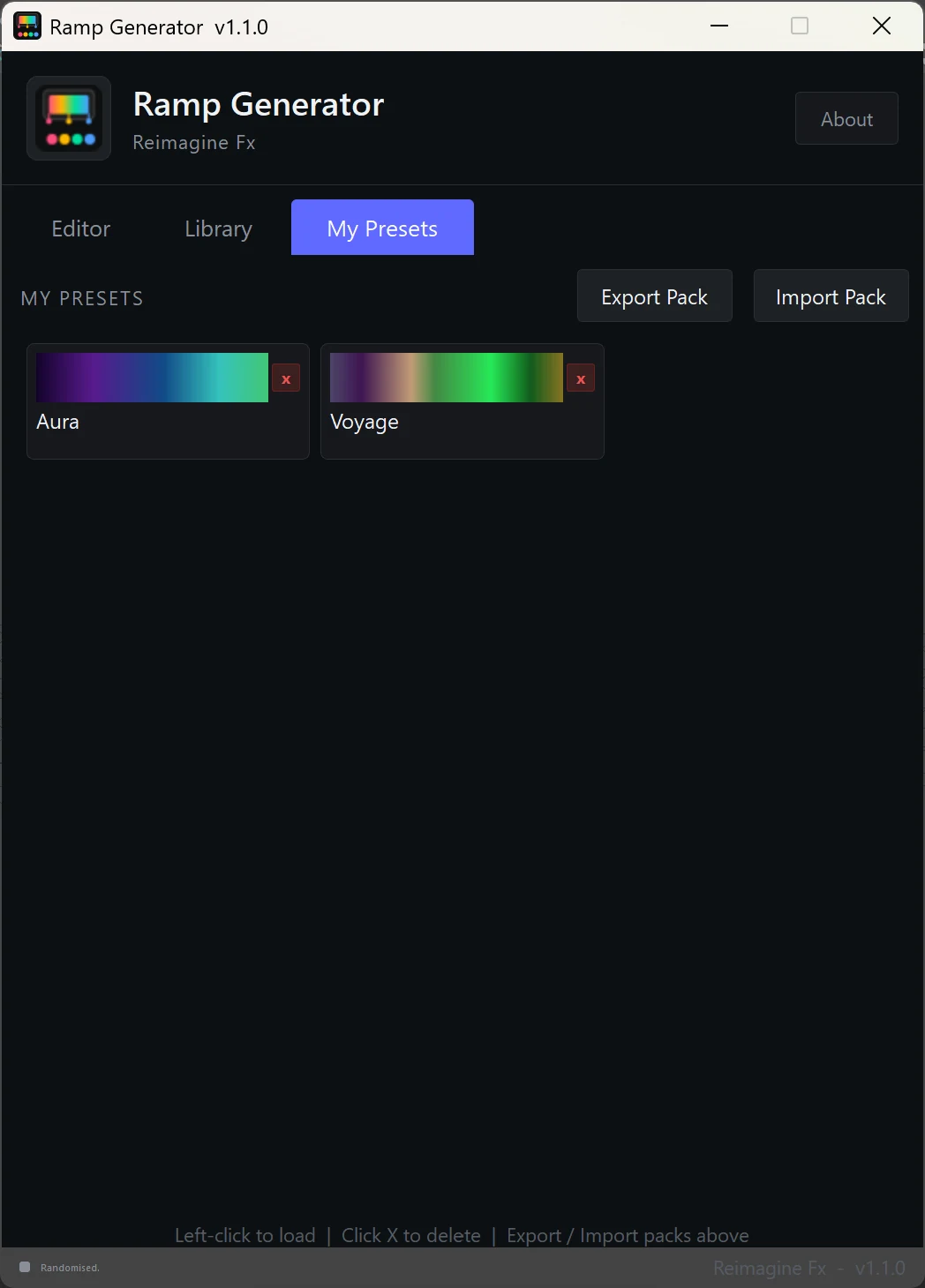
Store personal presets, share preset packs or bake the final gradient as a PNG texture.
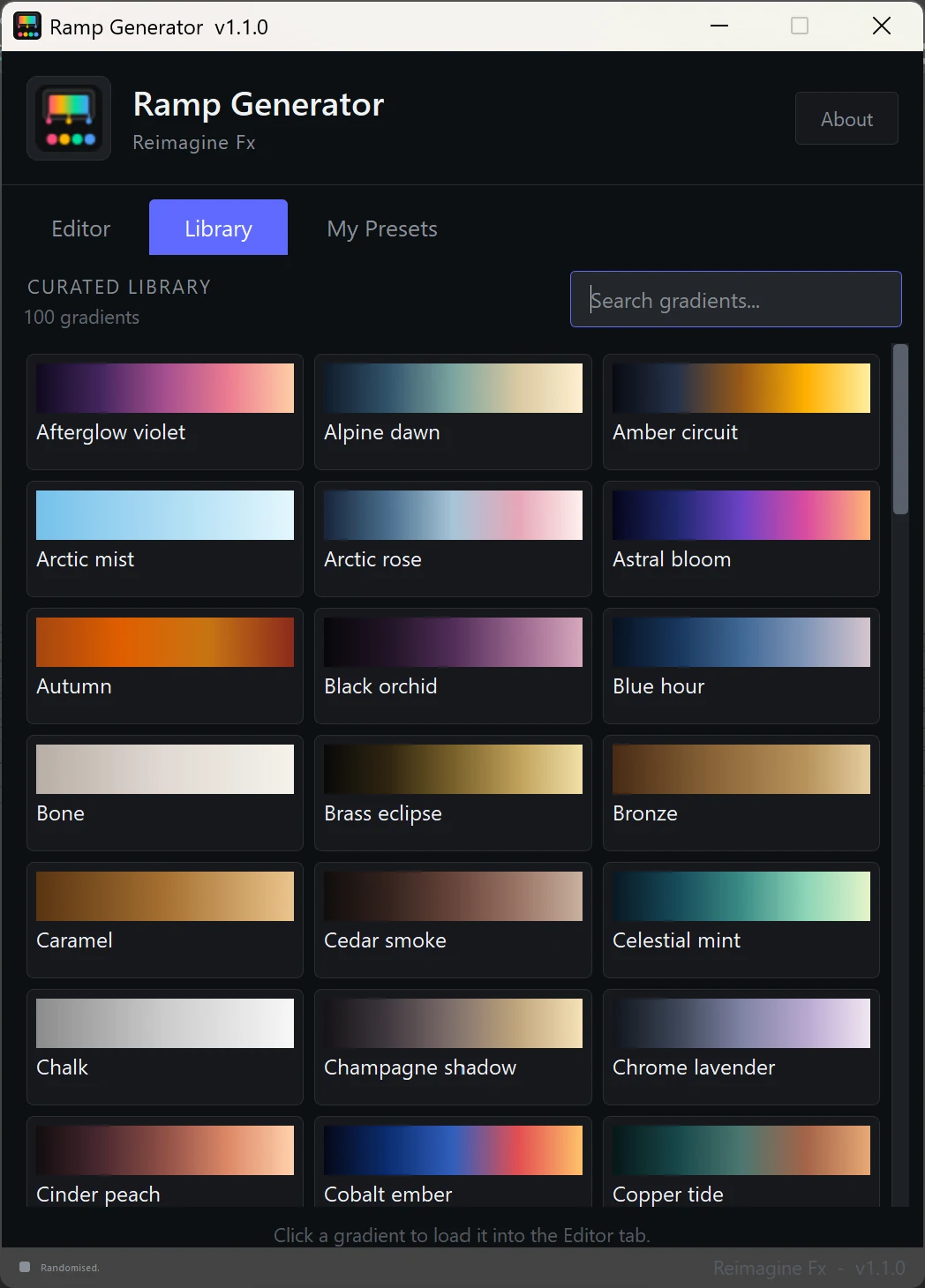
Search a collection of cinematic, natural, metallic, pastel, neon and stylized palettes. Every gradient loads directly into the Editor, where every color and stop remains editable.
Generate ideas quickly, then save the combinations worth keeping. Personal presets persist between Maya sessions and can be exported or imported as shareable packs.
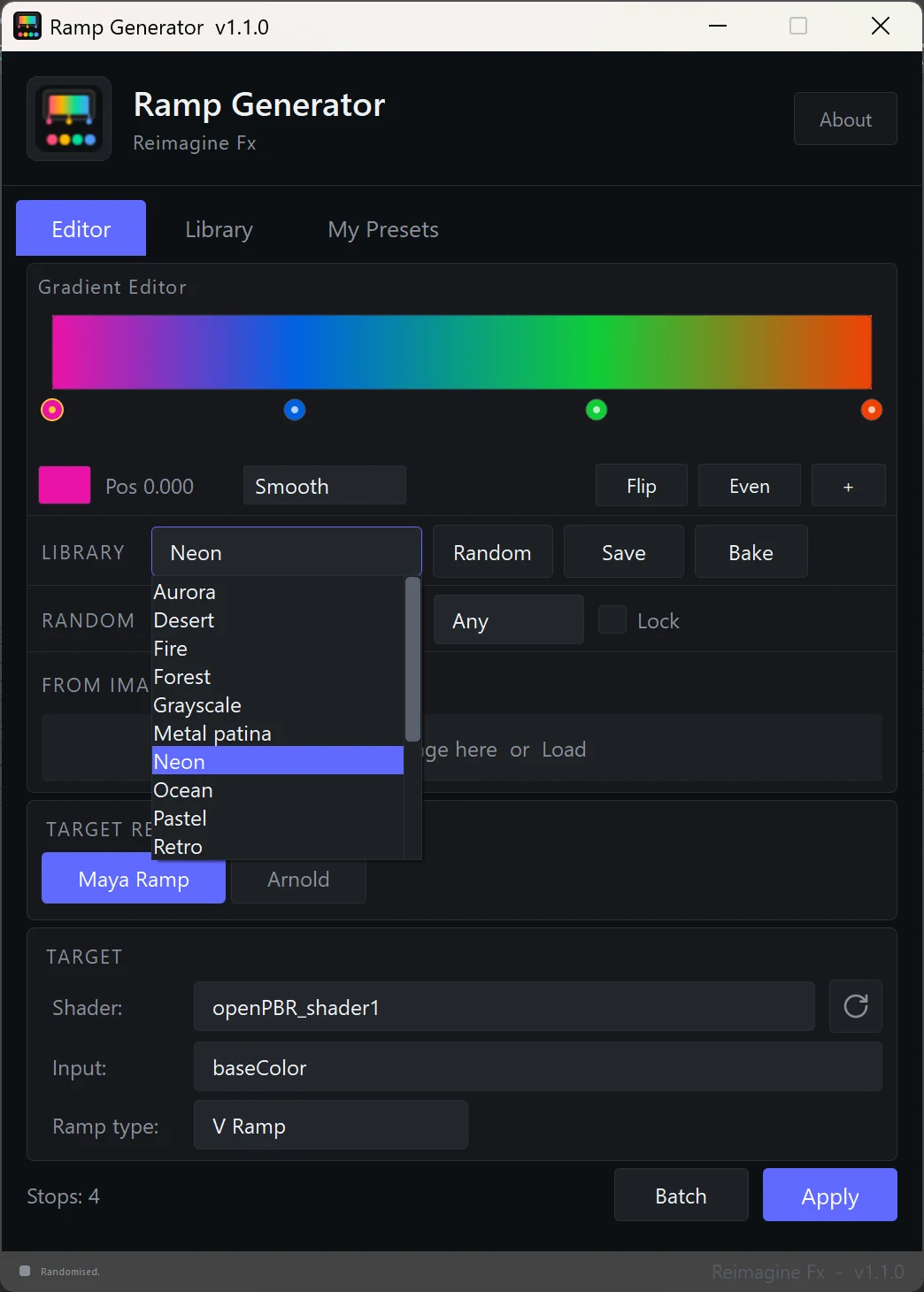
Select a shader, choose an input, then apply. Ramp Generator builds the node network, handles color or scalar connections, and keeps renderer controls beside the gradient.
Redshift mode supports up to eight ramp stops. Arnold features require MtoA; Redshift features require redshift4maya.
Get Ramp Generator on Gumroad and bring visual gradient authoring directly into your Maya shading workflow.