Live Maya scene preview on iPhone
Connect to your local Maya session and inspect scene data from a clean mobile viewer.
Maya Viewer is built by Amar Shinde at Reimagine Fx to help 3D artists review Autodesk Maya scenes directly on iPhone. It connects to a lightweight Maya Python server and streams scene geometry, materials, textures, cameras, lights, and object statistics into a clean mobile viewer and AR preview.
Free Maya Python plugin required to connect Maya Viewer to Autodesk Maya.
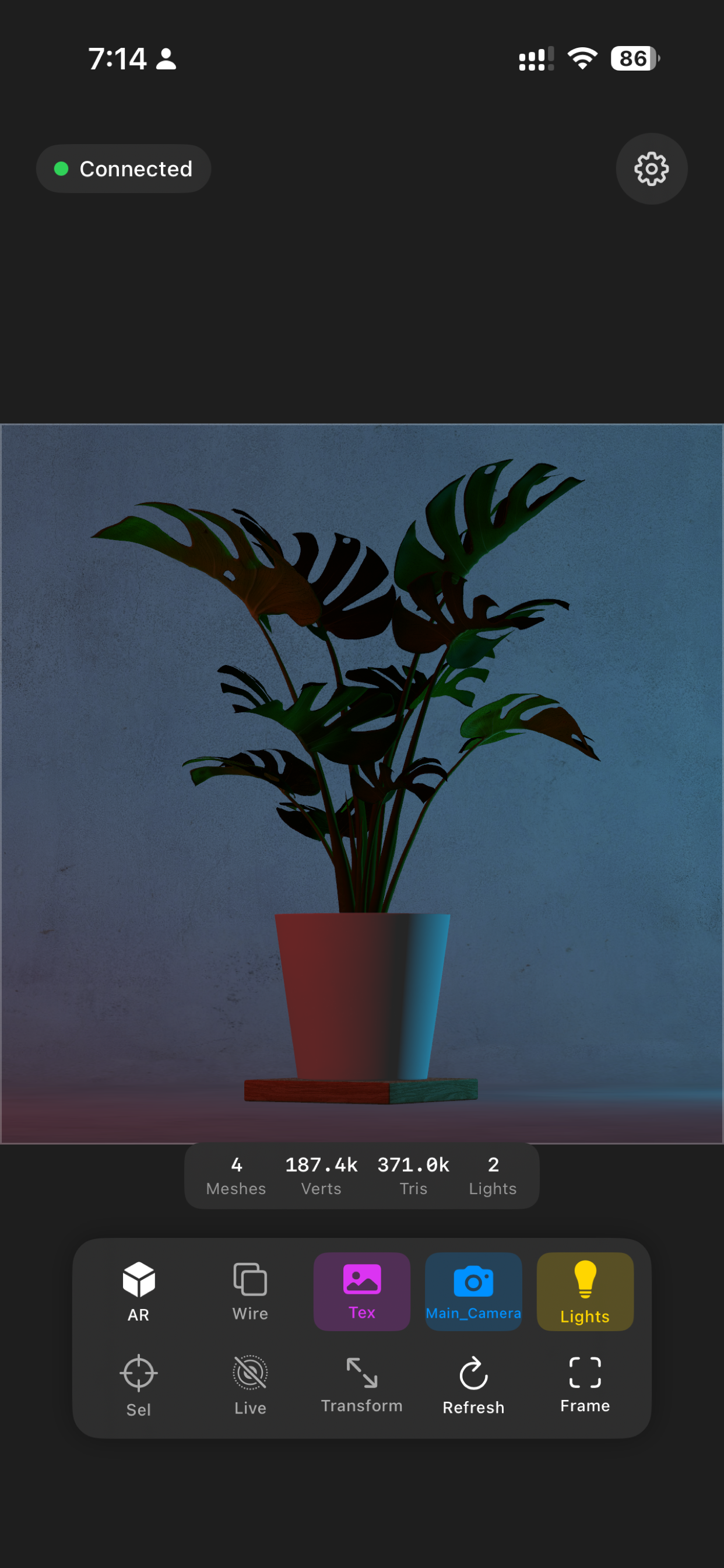
Connect to your local Maya session and inspect scene data from a clean mobile viewer.
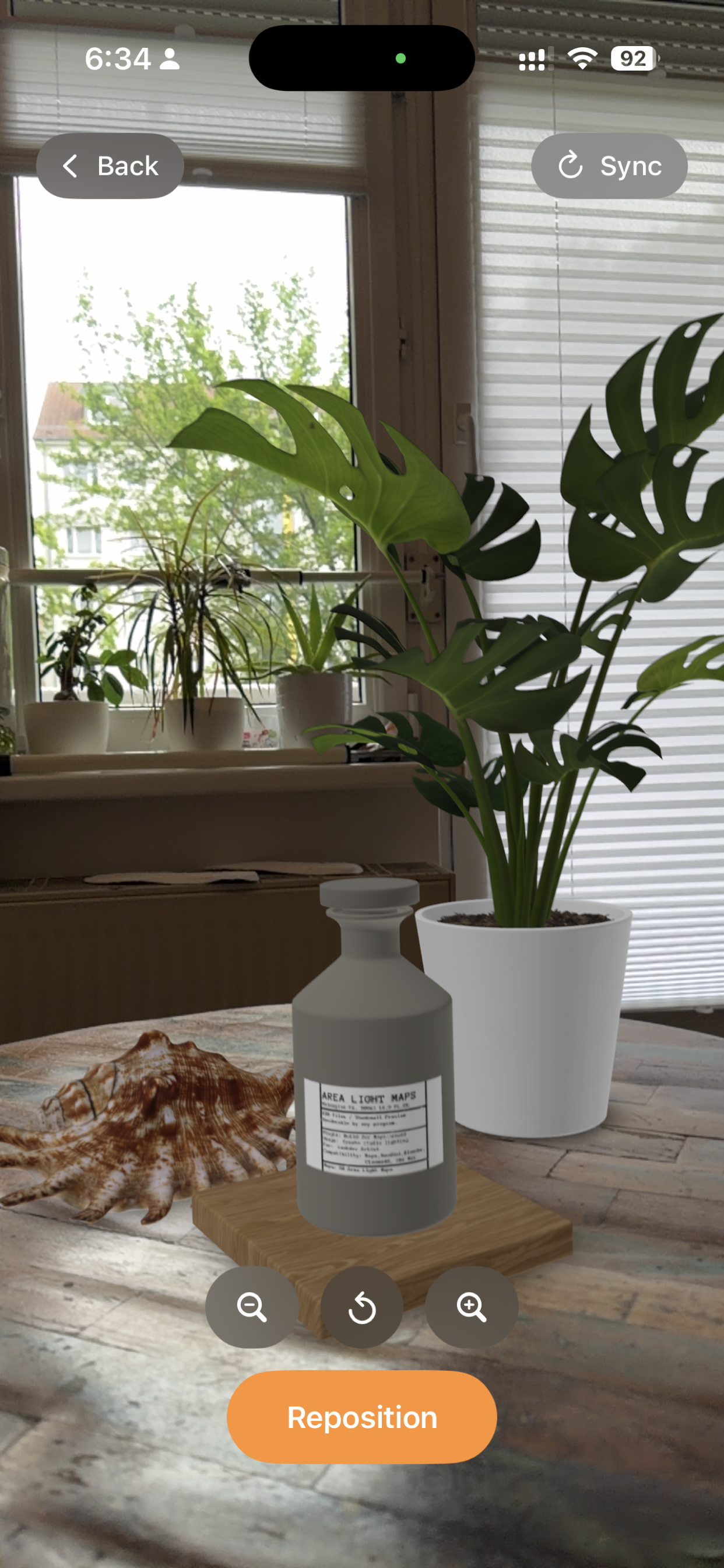
Place Maya scenes in physical space using AR mode.
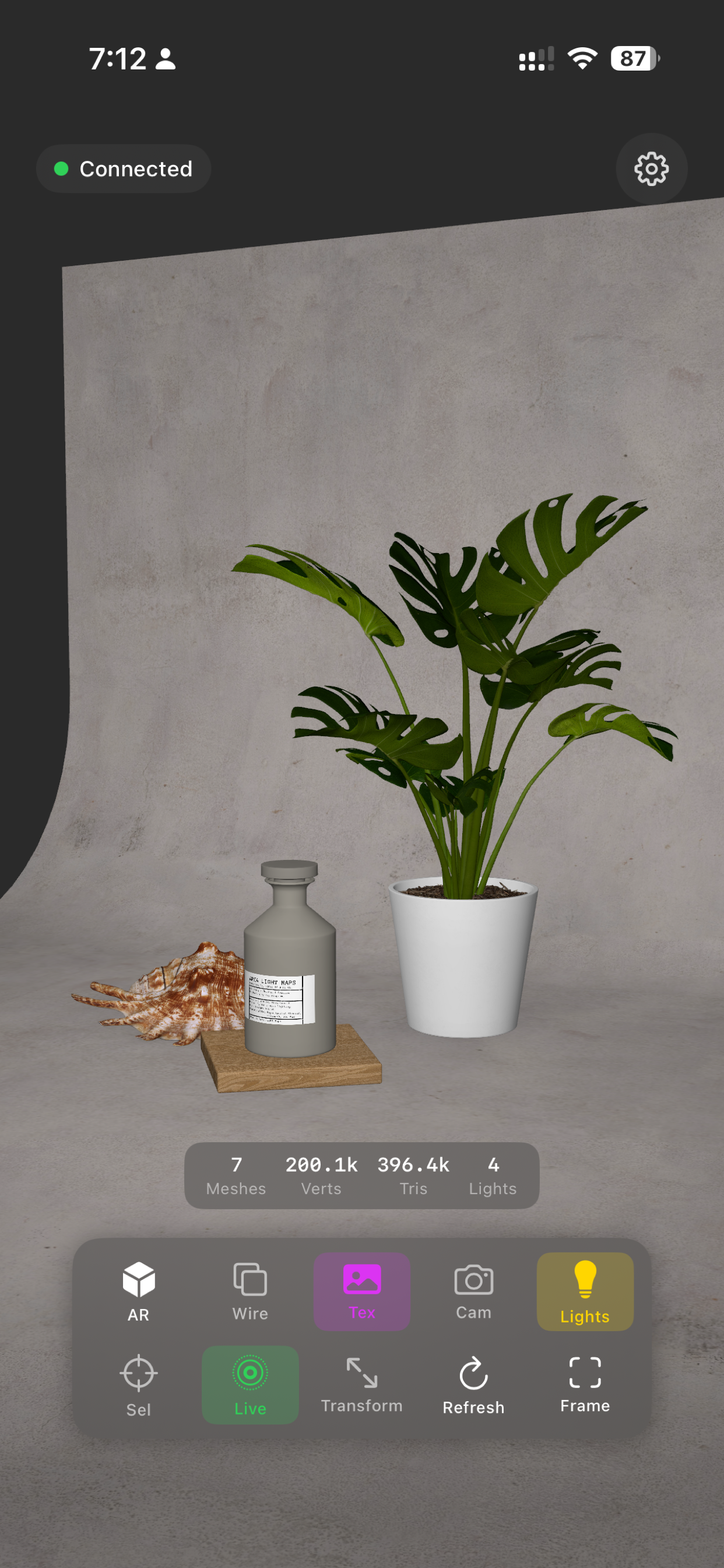
Inspect meshes, textures, materials, and scene organization.
Preview composition and framing away from the desktop.
Inspect mesh, vertex, triangle, and light counts.
Move, rotate, and scale supported scene objects.
Download the free Maya Viewer plugin ZIP.
Copy the plugin into your Autodesk Maya scripts folder.
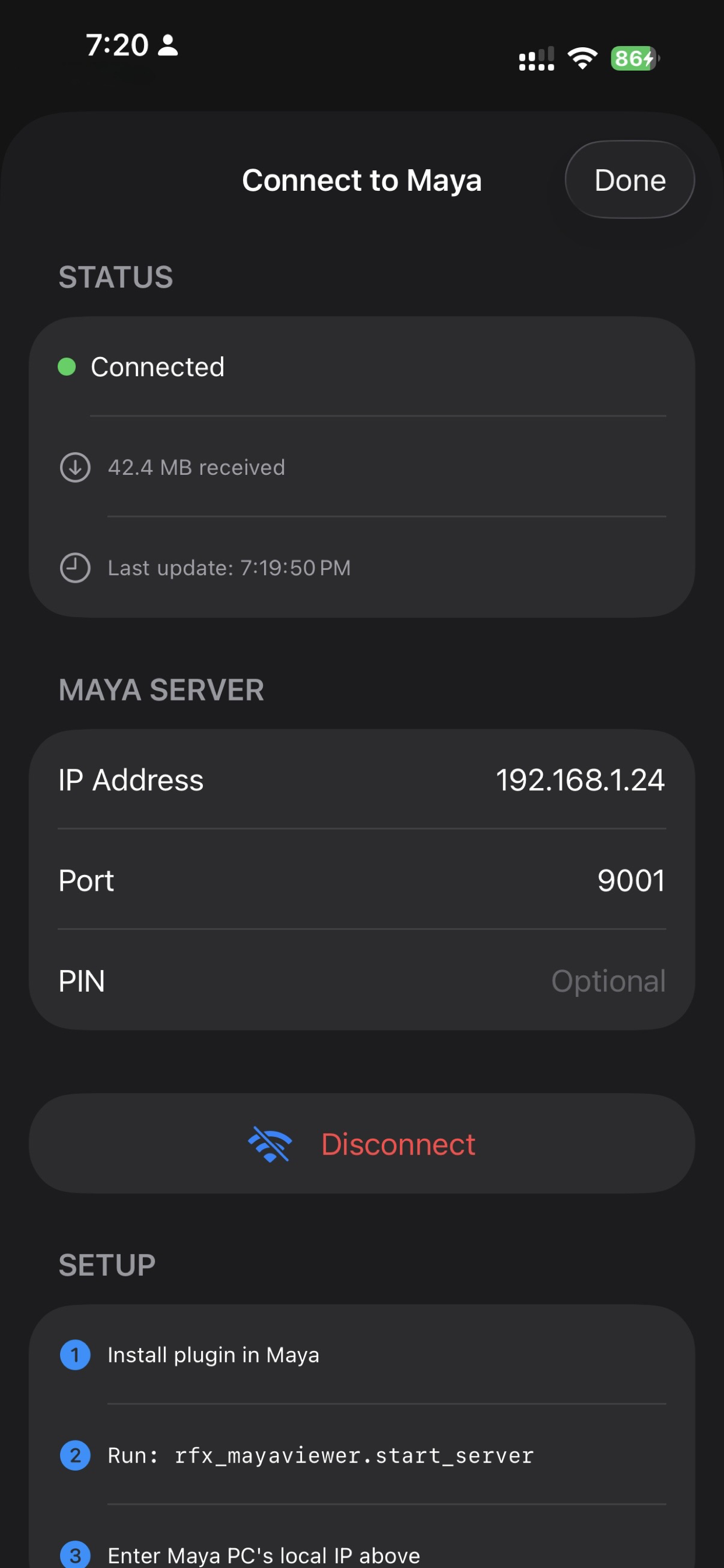
Run the plugin in Maya.
Launch the iOS app.
Enter IP, port, and optional PIN.
Inspect your Maya scenes on iPhone and in AR.
import rfx_mayaviewer as mv
mv.start_server(pin="optional-pin")