Live scene streaming
Connect over your local network and bring Blender meshes, materials, textures, lights, cameras and scene updates to iPhone.
Blender Viewer is a focused companion for artists who want their Blender scene within reach away from the desktop. A lightweight Blender add-on streams geometry, materials, textures, cameras, lights and real scene statistics over your local network to a professional mobile viewport — with inspection tools, object transforms and AR placement built in.
Free add-on version 1.0.15. Choose the package for your Blender version and install the ZIP directly. The companion iOS app is now live on the App Store.
Connect over your local network and bring Blender meshes, materials, textures, lights, cameras and scene updates to iPhone.
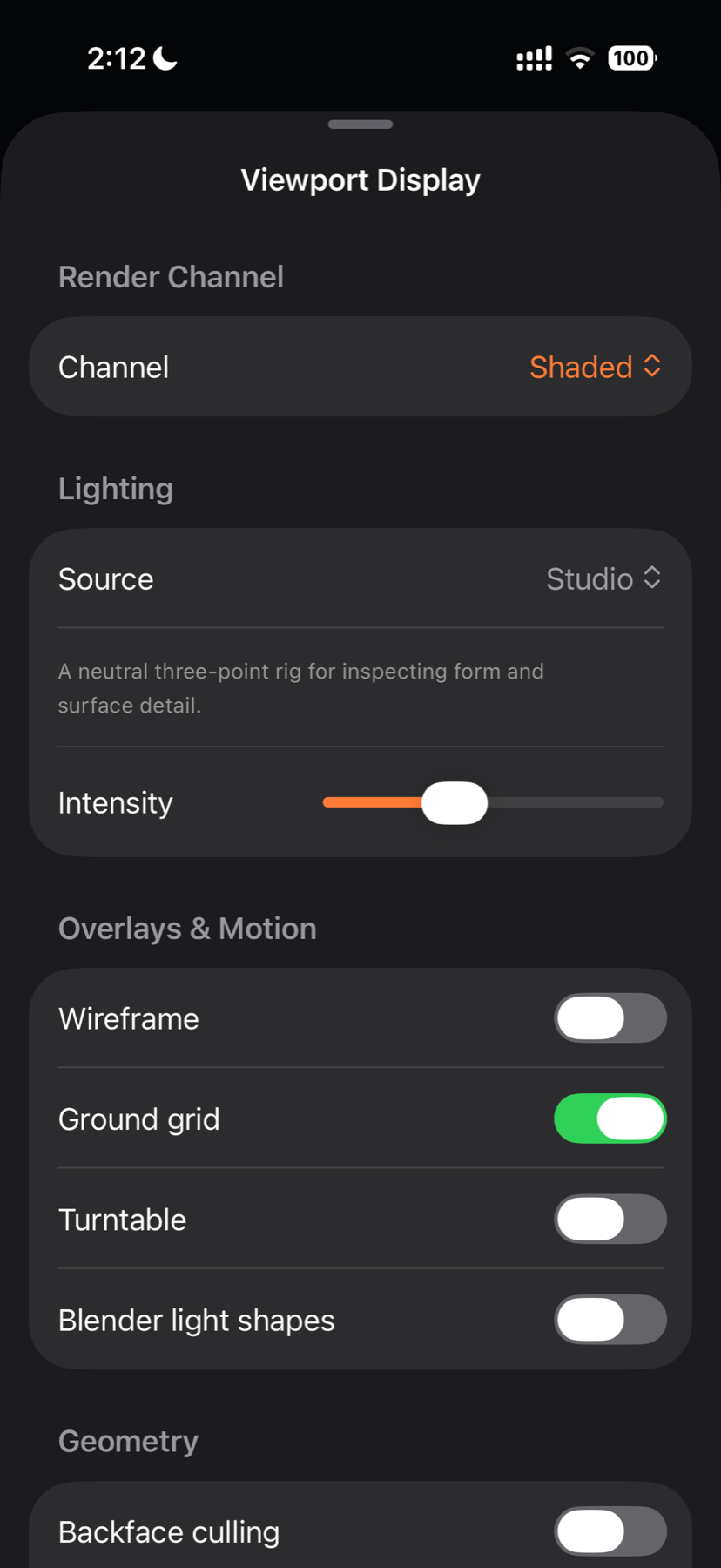
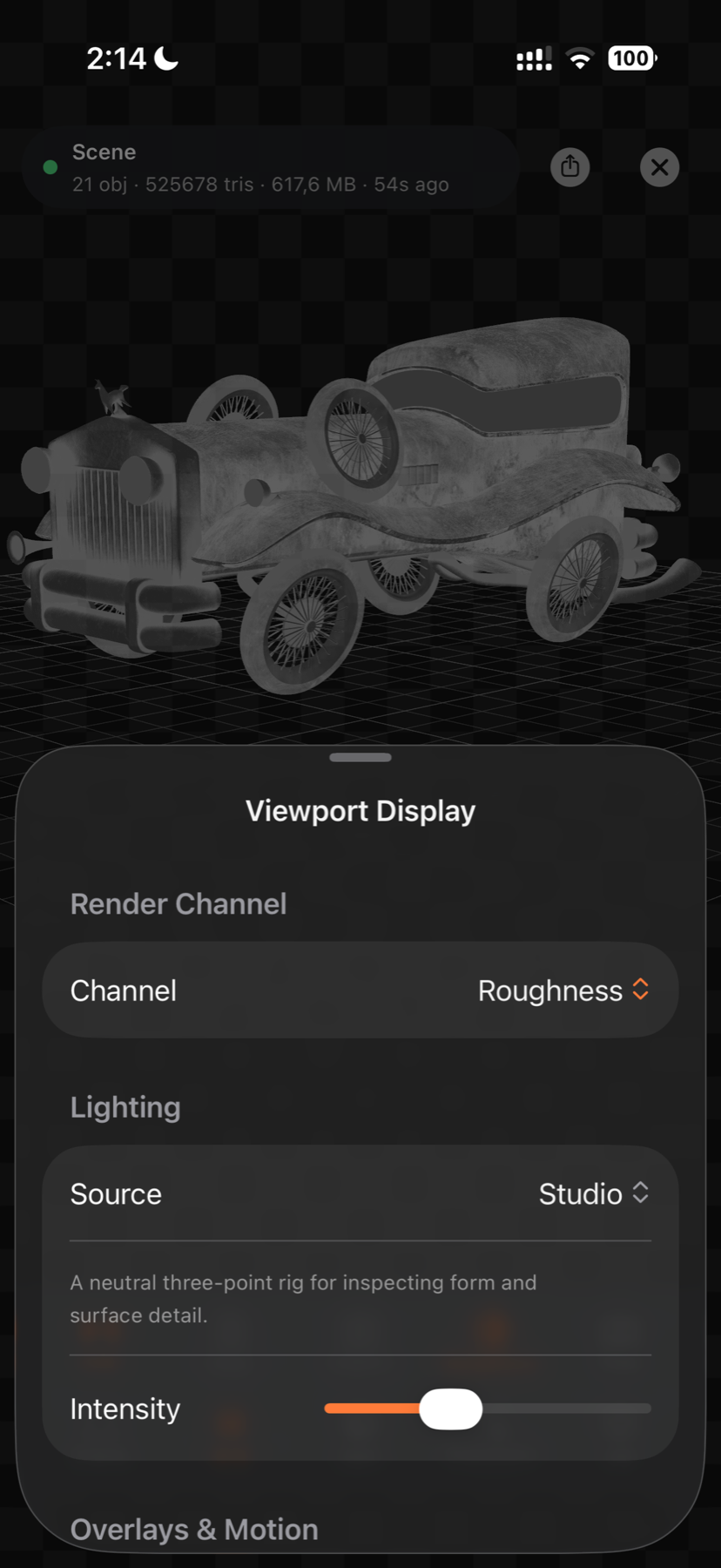
Review PBR color, metallic, roughness and normal detail with Studio, Material Preview or scene lighting.
Switch between shaded, albedo, normals, roughness and UV views, with an original-edge wireframe overlay for topology checks.
Use a free orbit camera, look through Blender’s active cameras, or match the current Blender viewport.
Search real scene data, isolate visibility, select objects and use Move, Rotate and Scale gizmos with Blender-backed Undo and Redo.
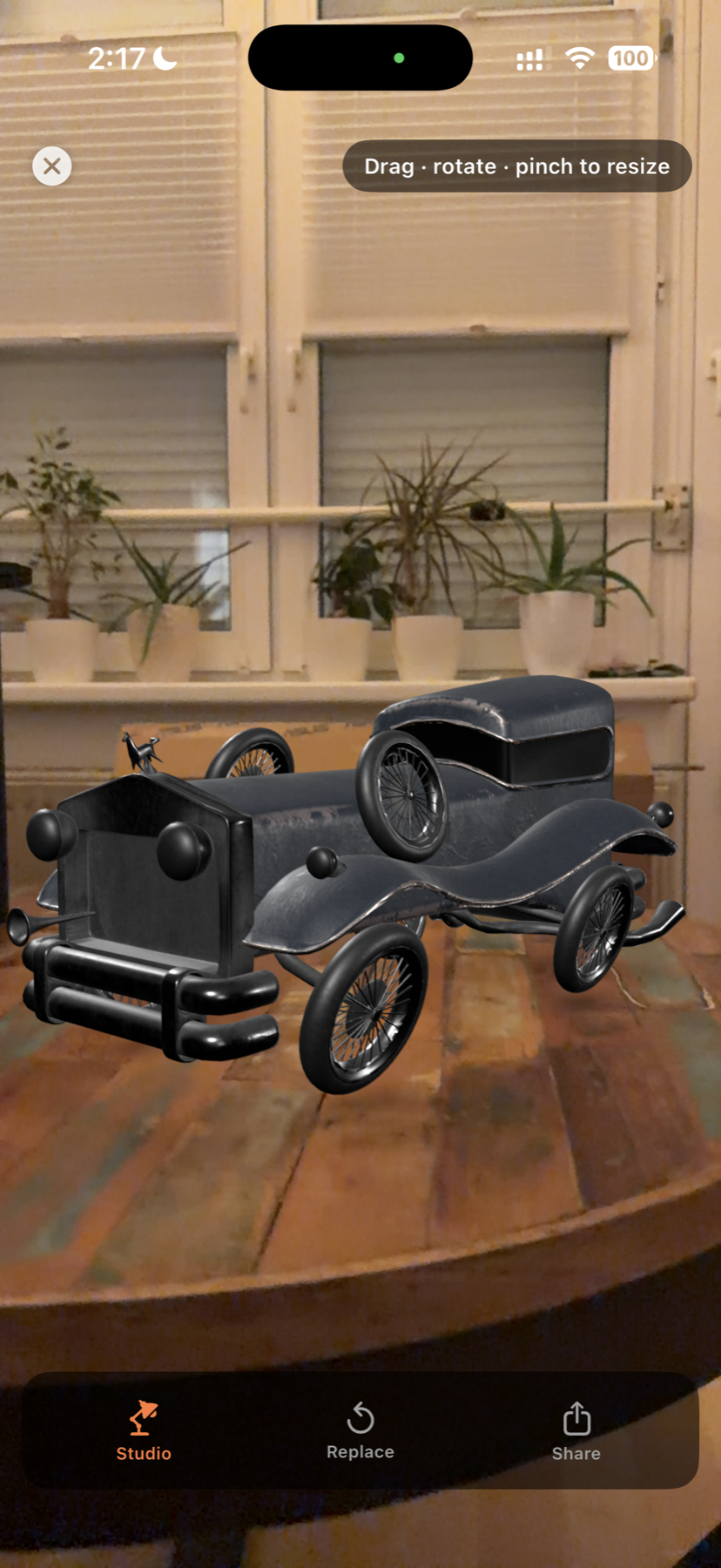
Place a fitted scene in AR, adjust lighting, use the adaptive ground grid, auto-spin, frame and share viewport captures.
Live geometry, PBR materials, cameras, transforms and scene data — presented in a focused mobile viewport.
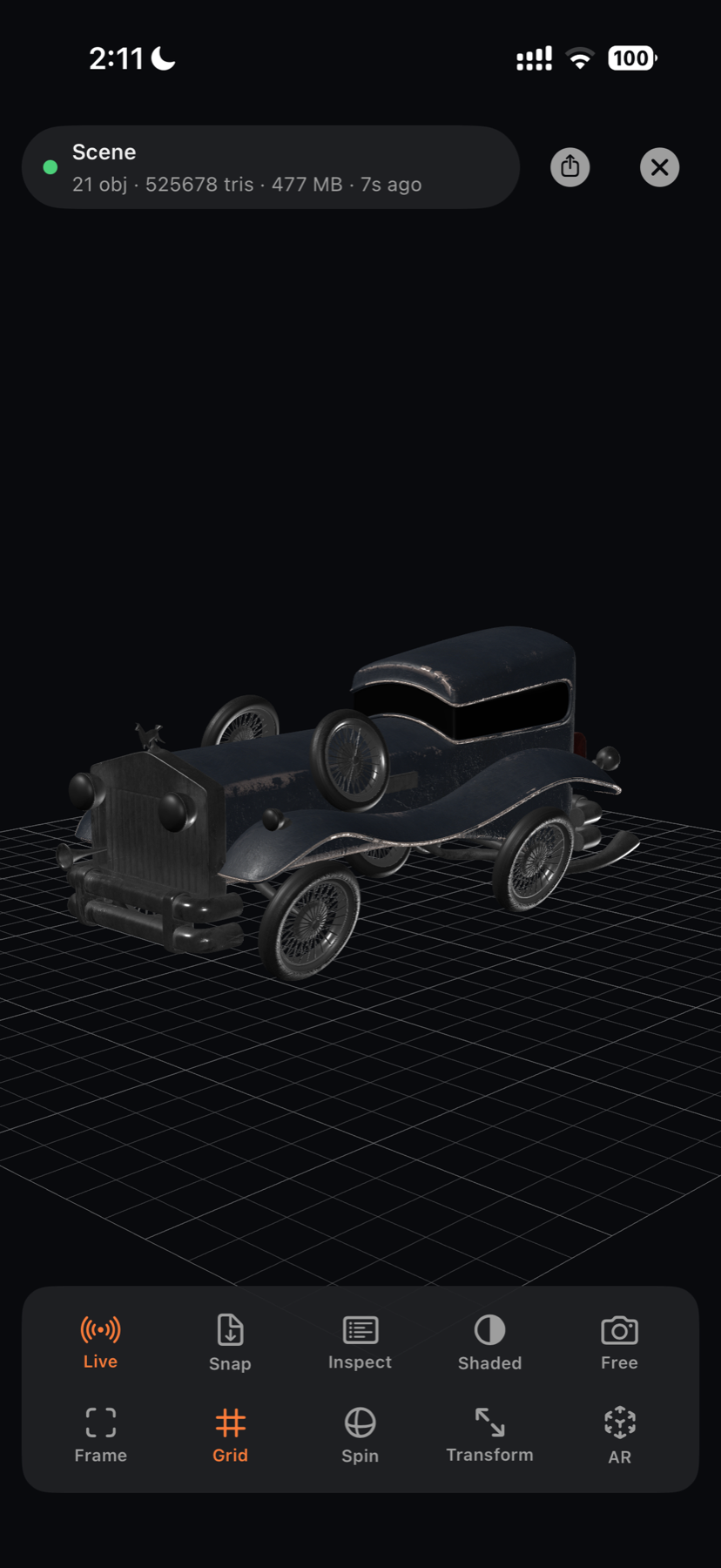
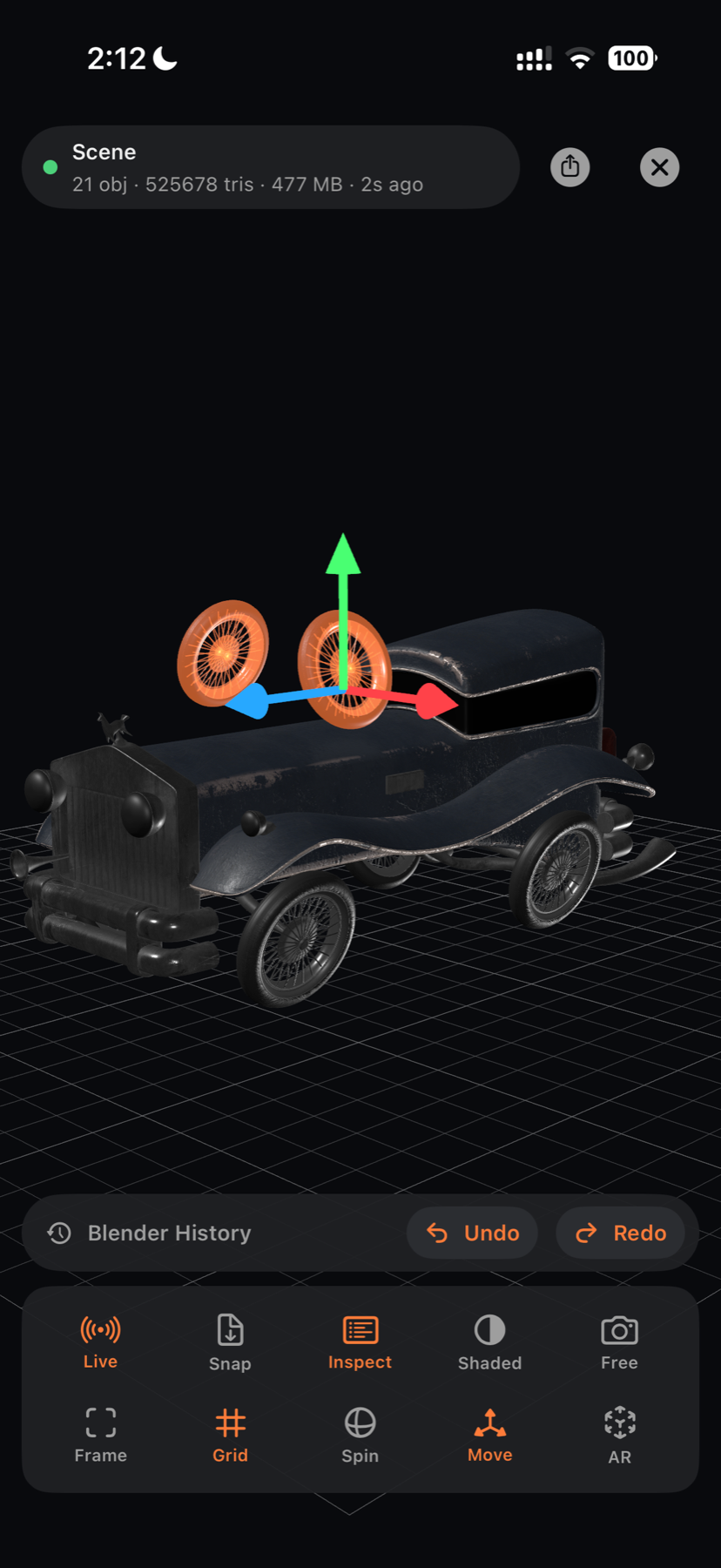
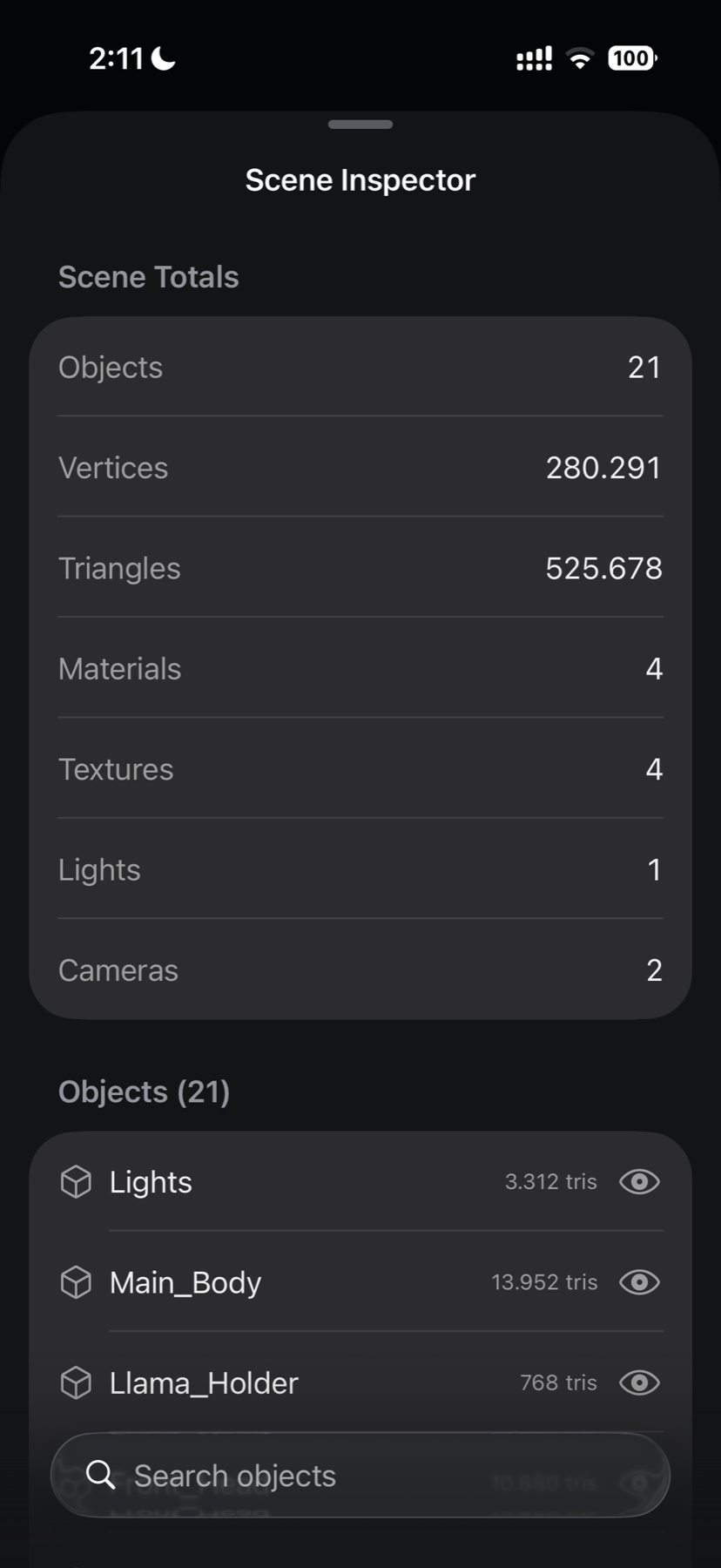
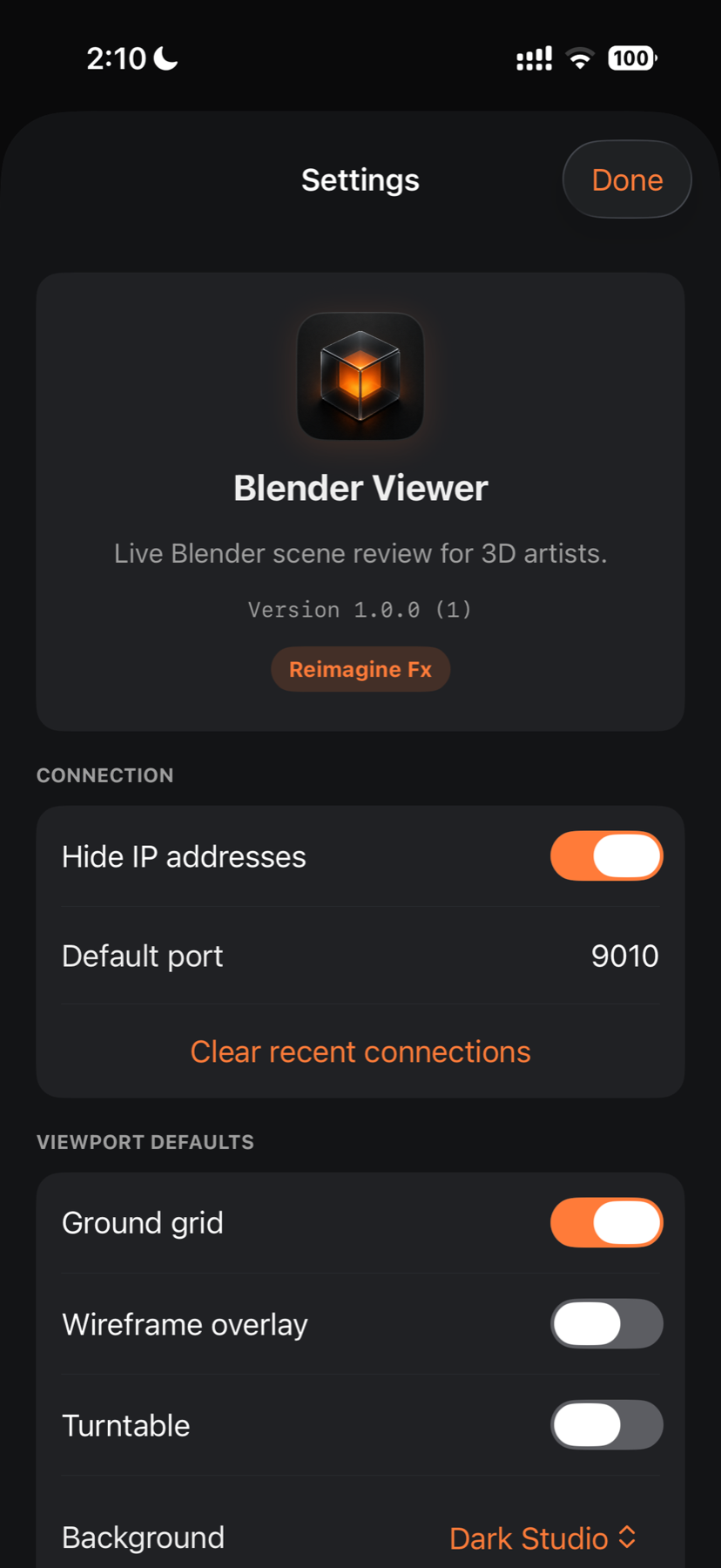
Download the package for Blender 4.5 LTS or Blender 5.x below and install the ZIP directly.
Open Blender Viewer in the 3D View sidebar and start the local server. IP address and QR code visibility can be controlled independently.
Keep Blender and your iPhone on the same trusted local Wi-Fi network.
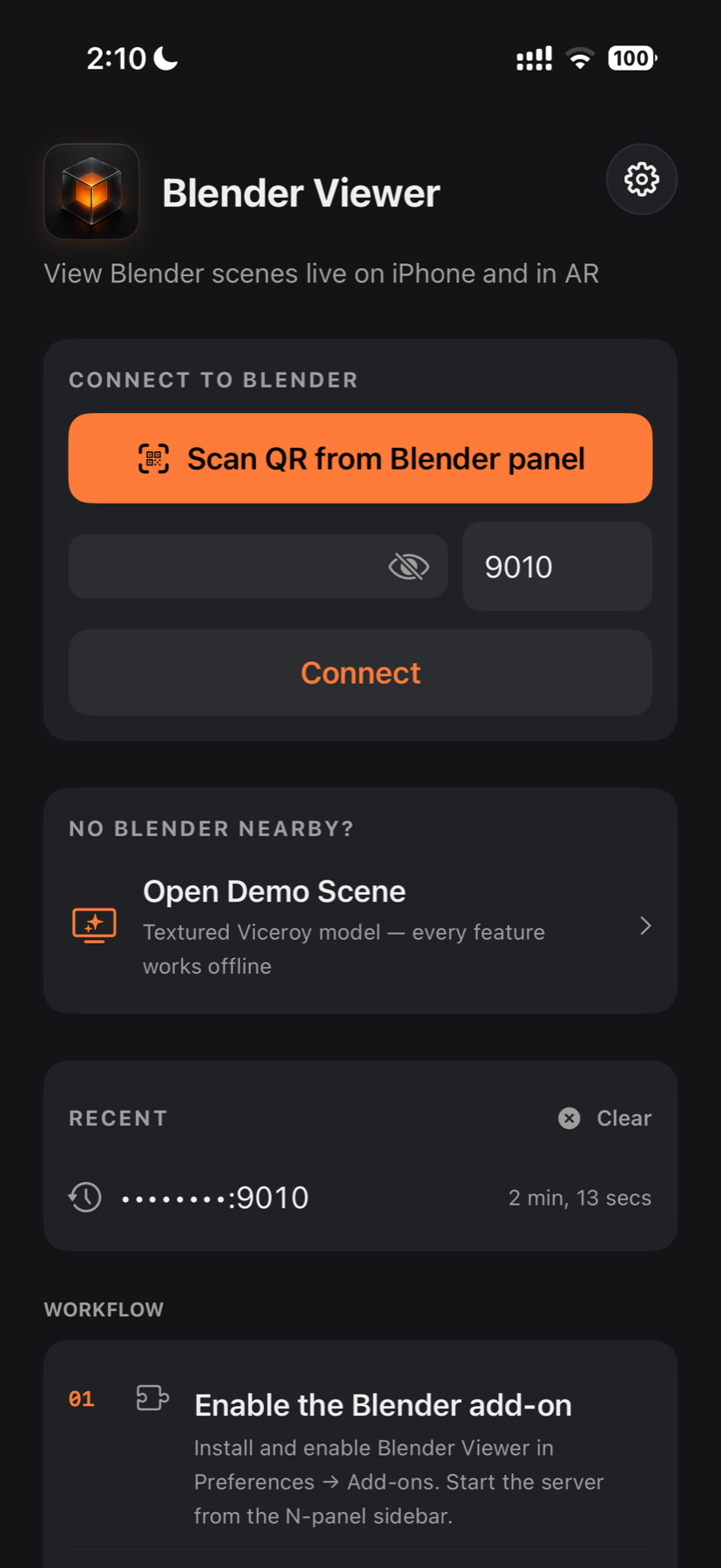
Scan the panel QR code or enter the displayed IP address and port.
Refresh the current scene, then use Live Sync to receive supported updates.
Orbit, inspect, transform, switch cameras and place the scene in AR.
Both packages contain the same Blender Viewer 1.0.15 server, scene-streaming tools, and separate IP address and QR code visibility controls. Keep the downloaded file zipped when installing it in Blender.
For the long-term-support add-on workflow. In Blender, open Preferences → Add-ons and choose Install from Disk.
For Blender’s Extensions workflow. Open Preferences → Get Extensions, use the menu, and choose Install from Disk.
After installation, open the Blender Viewer panel in the 3D View sidebar and start the local server. Hide IP and Hide QR work independently, while Copy Address keeps the real connection endpoint available. Scene data stays on your local network.
There is no account, cloud scene service, advertising SDK or analytics tracker. Scene data travels directly between the Blender session you control and your device.
No. The Blender add-on reads the open desktop scene and streams supported review data to the app. Blender remains the source of truth.
Blender Viewer is designed for a direct local-network connection to a running Blender session. Remote access is not currently an official workflow.
Yes. The viewer supports key Principled PBR values and connected color, metallic, roughness and normal textures that the add-on can resolve.
You can select supported objects and use Move, Rotate and Scale gizmos. Completed transform gestures create Blender undo history, with Undo and Redo available in the viewer.
An included offline demo lets you explore the viewer. Live scene review requires the Blender add-on and a running Blender session.
Yes — Blender Scene Viewer is live on the App Store. The free Blender add-on for desktop is available here, and the iOS app is the companion viewer for your iPhone or iPad.
Blender is a trademark of Blender Foundation. Blender Viewer is an independent Reimagine Fx product and is not affiliated with or endorsed by Blender Foundation.